Time in the Dock
See the current time directly in your Dock, with a native macOS app built in Swift and SwiftUI.
 Mac
MacUTILITIES
Time, right where you look. A simple, readable clock for your Mac’s Dock.
Download on theApp StoreExplore the help manual →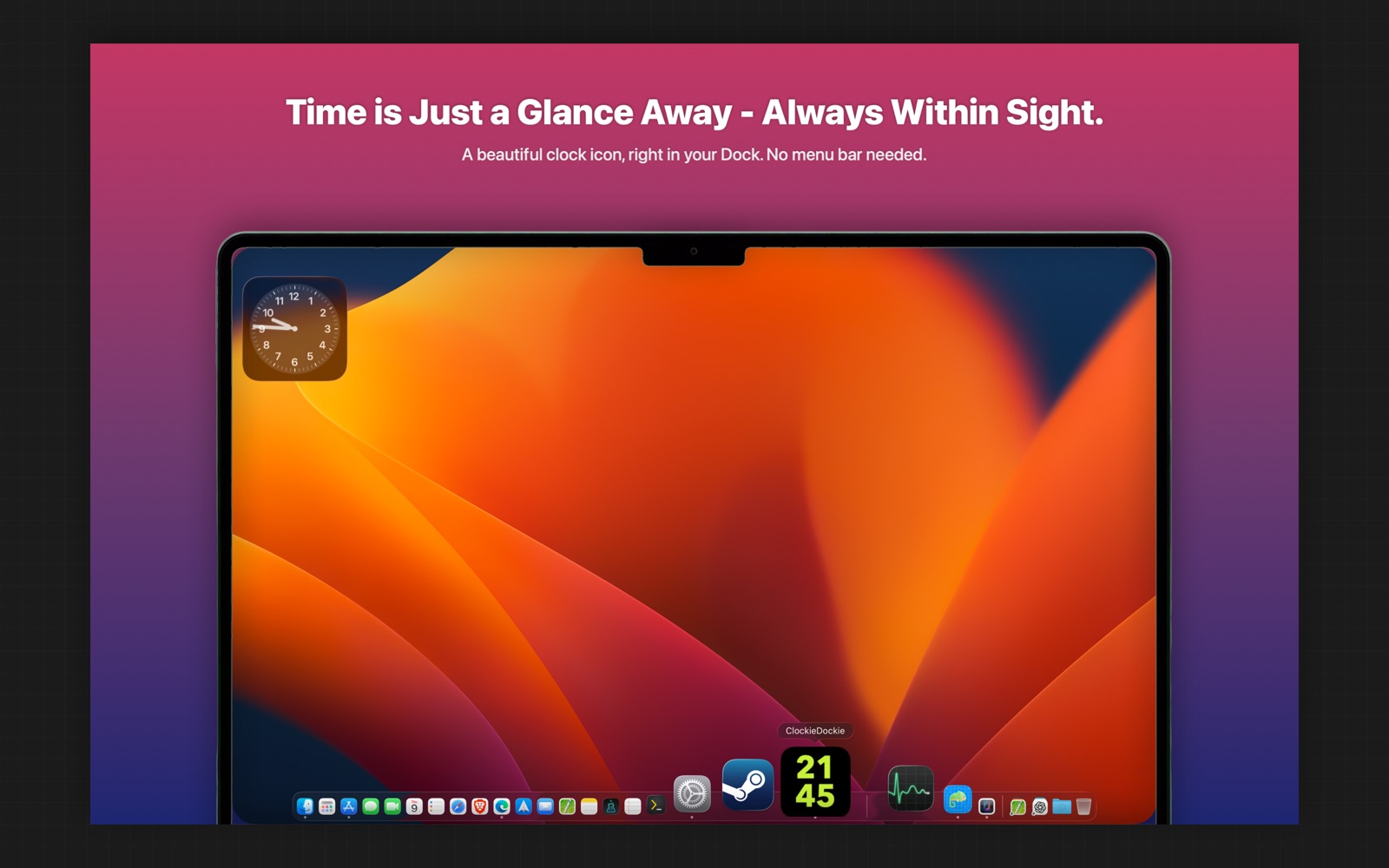
TAKE A CLOSER LOOK
THOUGHTFUL BY DESIGN
A small utility with a useful place in your day. Keep a readable clock in your Dock and make it feel at home on your Mac.
See the current time directly in your Dock, with a native macOS app built in Swift and SwiftUI.
Choose a 12-hour or 24-hour format and whether to show seconds.
The Pro Lifetime unlock adds appearance customization.
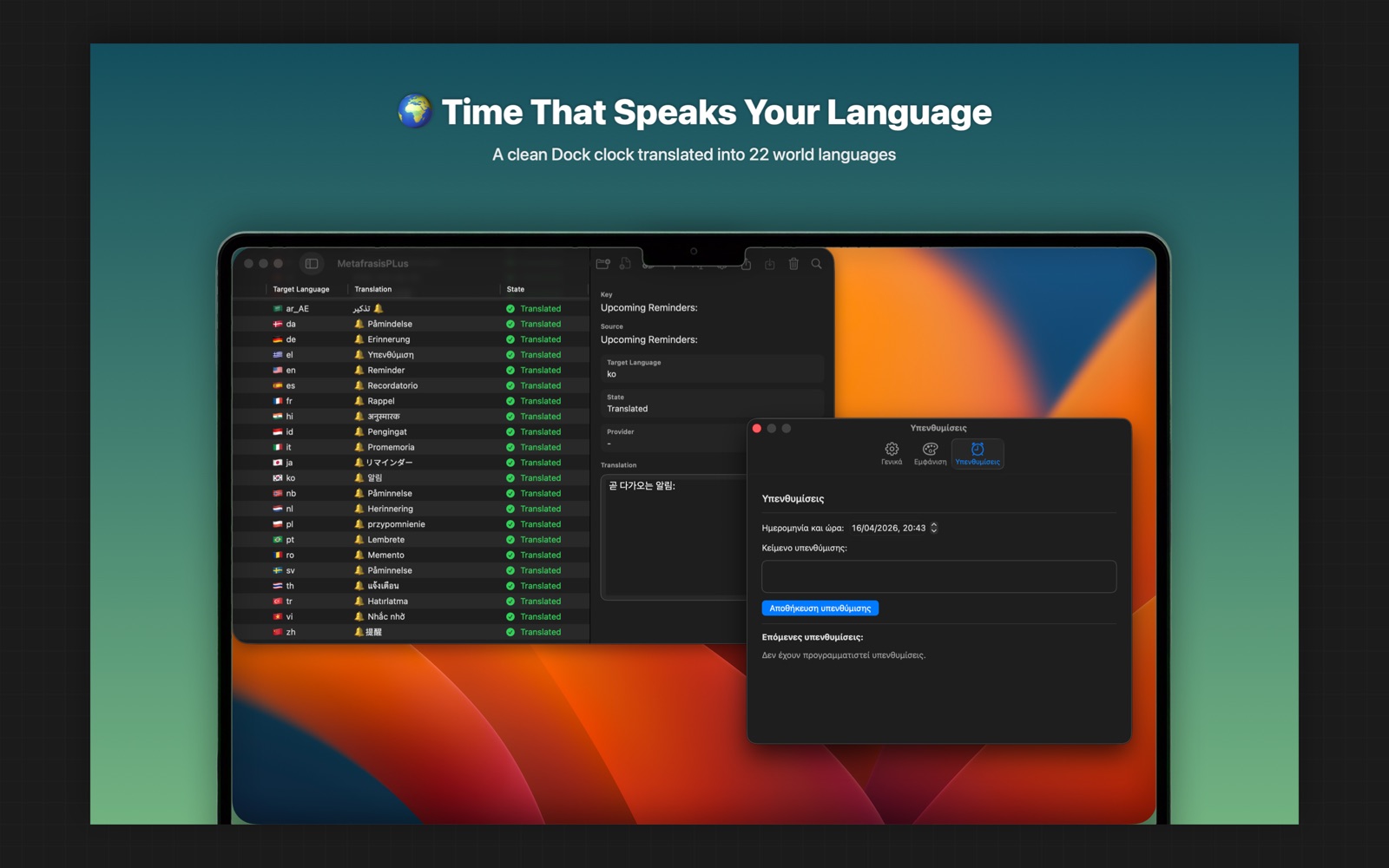
Pro includes reminders, with notification permission controlled in macOS System Settings.
ROOM TO GROW
THE ESSENTIALS
MORE POSSIBILITIES
Current pricing and availability are shown in the App Store. Feature details are listed in the Help manual.
Press ⌘, while the app is active, or use Settings from the Dock menu.
These features are part of the Pro Lifetime unlock.
Open Settings → Pro and choose Restore Purchases.
YOUR DATA, YOUR CHOICE
Preferences and reminders stay on your Mac. No personal data collection or third-party analytics or advertising SDKs.
Read privacy policy →A HUMAN ON THE OTHER END
Questions, feedback or something that isn’t working? Get in touch.
Open email ↗yetanotherswift.app@gmail.com