One shortcut, straight in
Show or hide your launcher with a global hotkey.
 Mac
MacUTILITIES
Your favorite apps, one shortcut away. A clean, focused launcher for Mac.
Download on theApp StoreExplore the help manual →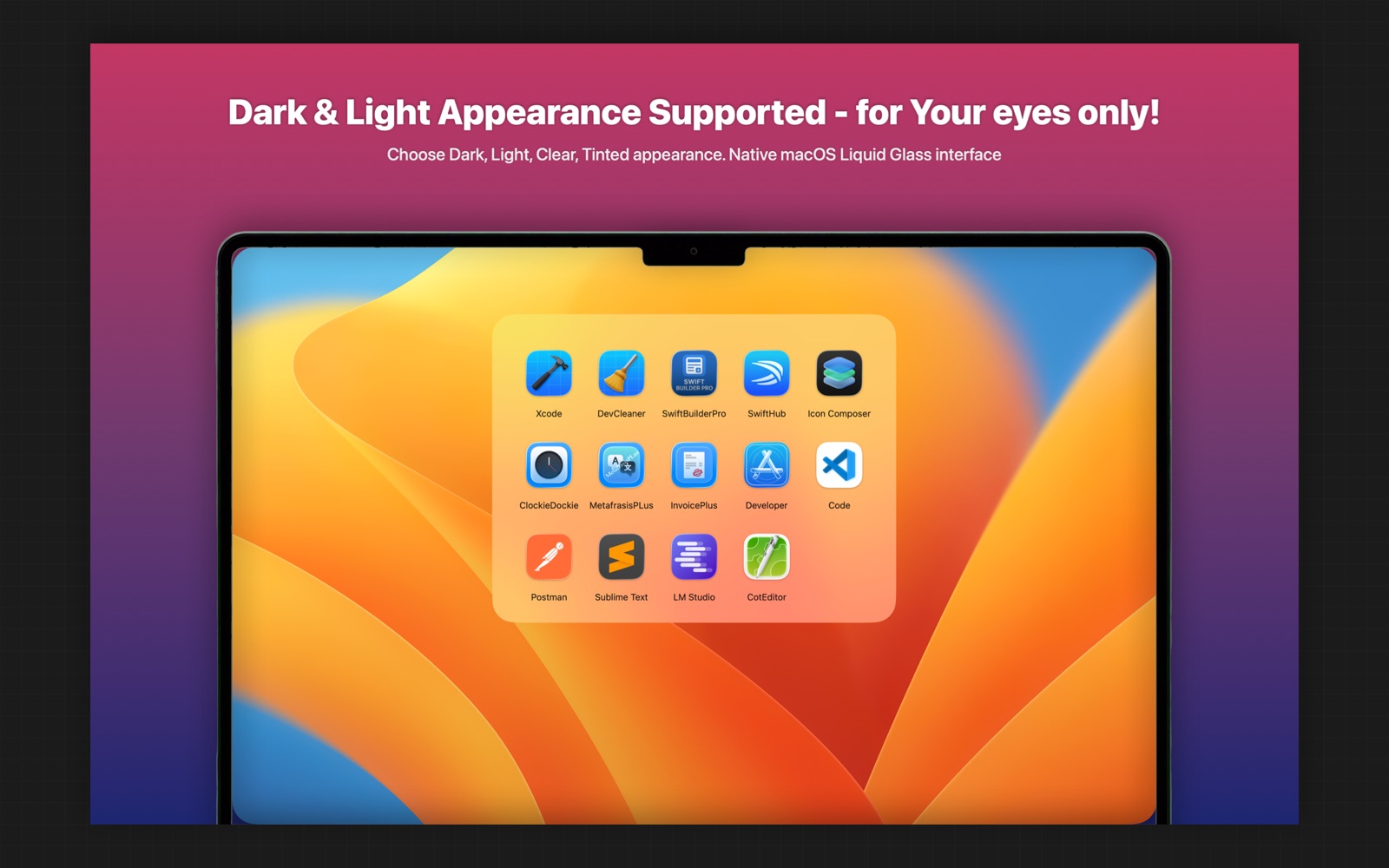
TAKE A CLOSER LOOK
THOUGHTFUL BY DESIGN
Keep your essentials close. Open a clean grid of the apps you choose with a global shortcut, then get straight back to what you were doing.
Show or hide your launcher with a global hotkey.
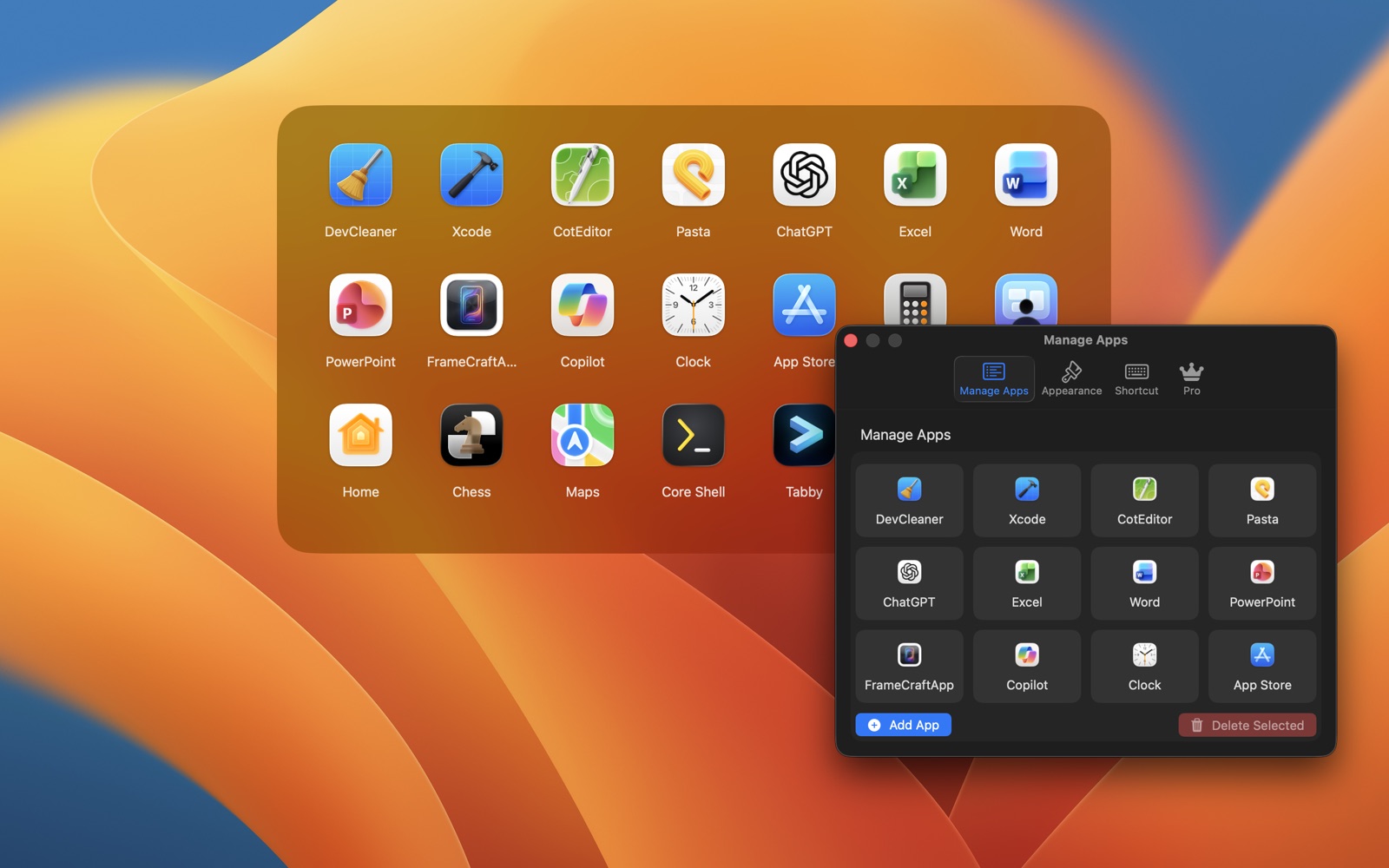
Choose your apps in Settings and drag them into the order that works for you.
Enable Launch at Login and set the launcher to hide when idle.
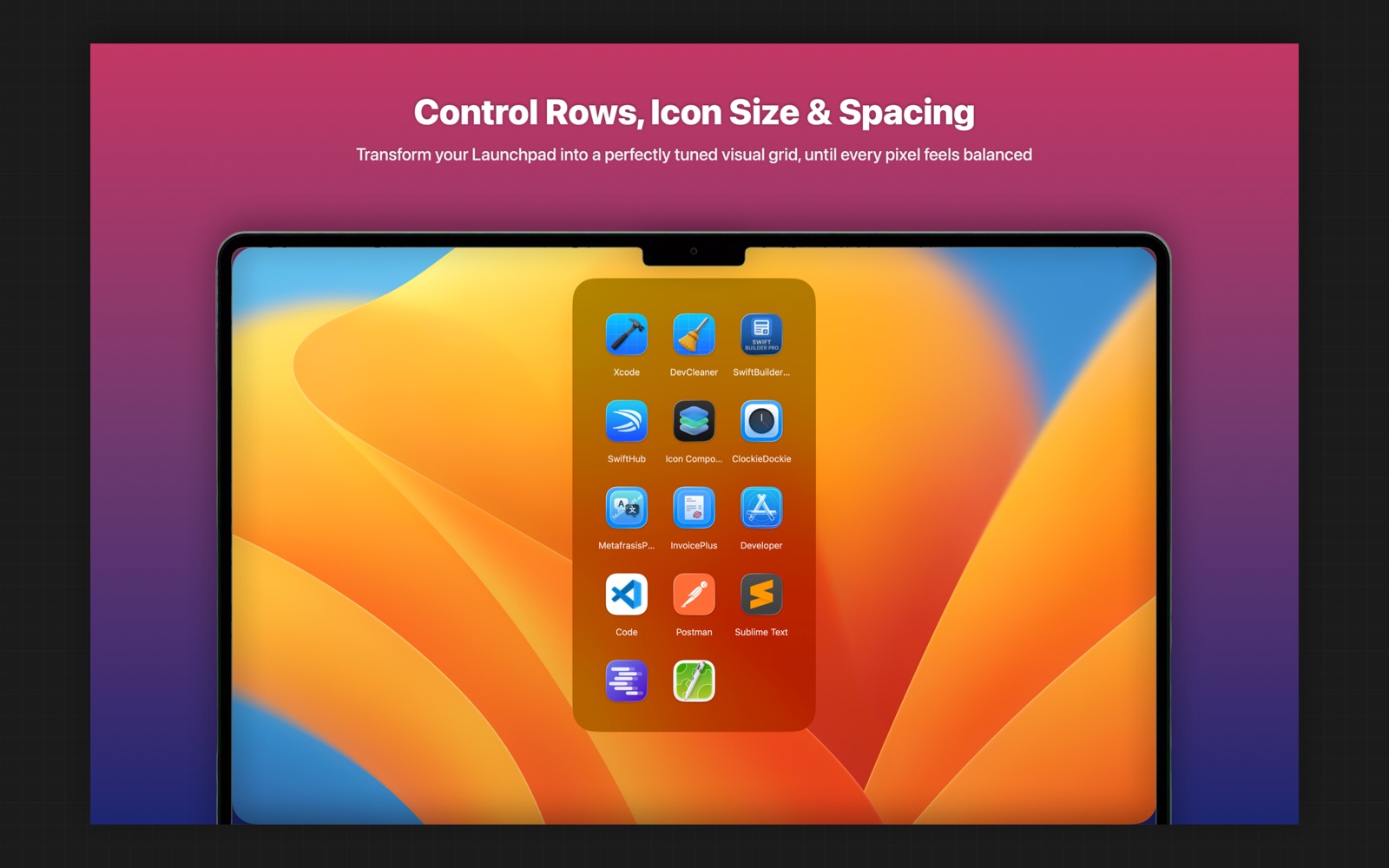
Add unlimited apps and customize the columns, icon size, spacing and shortcut.
ROOM TO GROW
THE ESSENTIALS
MORE POSSIBILITIES
Current pricing and availability are shown in the App Store. Feature details are listed in the Help manual.
The free tier supports up to 8 apps. The Pro Lifetime unlock removes this limit.
Shortcut customization is included with Pro.
Use Restore Purchases in the app with the Apple account used for the original purchase.
YOUR DATA, YOUR CHOICE
Your shelf and settings stay on your Mac. No personal data collection or third-party analytics, advertising or tracking SDKs.
Read privacy policy →A HUMAN ON THE OTHER END
Questions, feedback or something that isn’t working? Get in touch.
Open email ↗yetanotherswift.app@gmail.com