Count your way
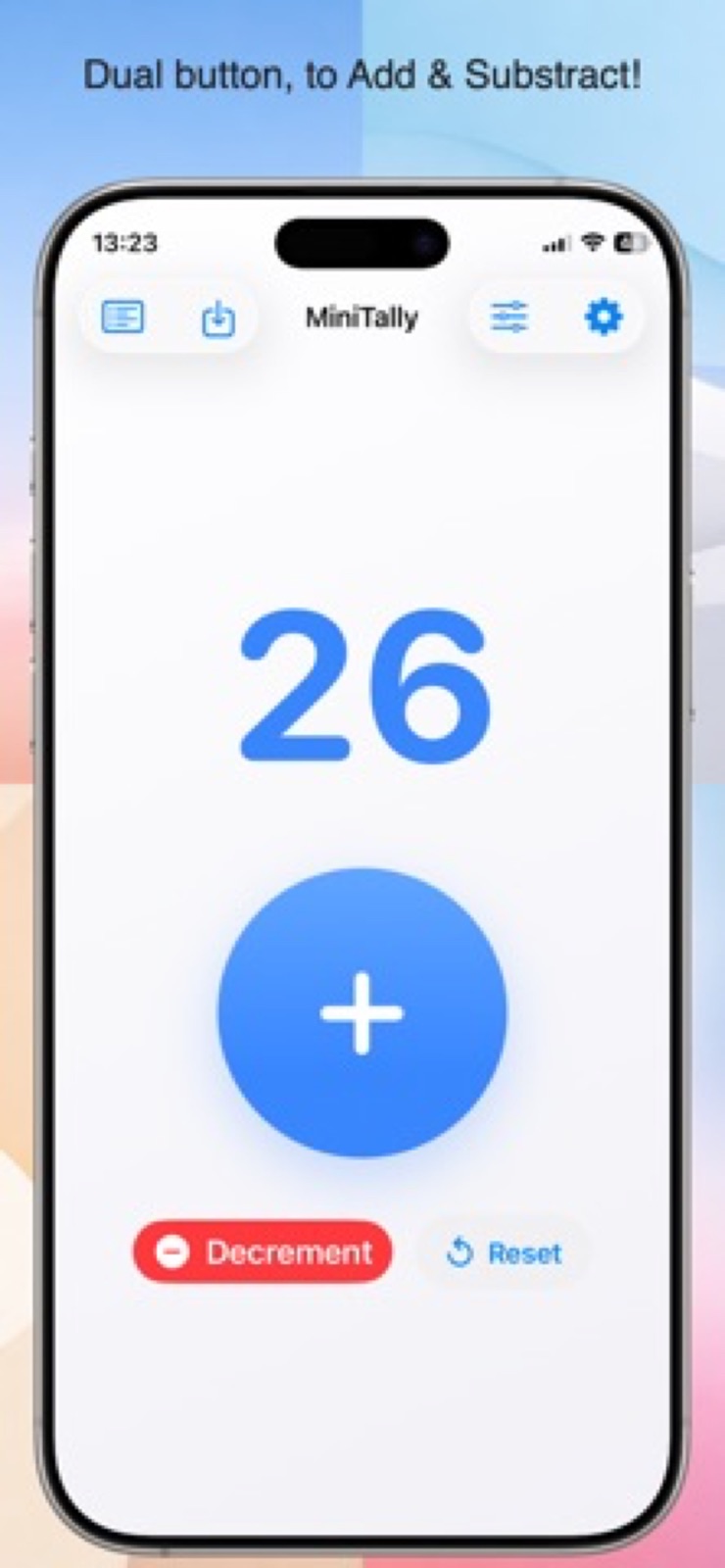
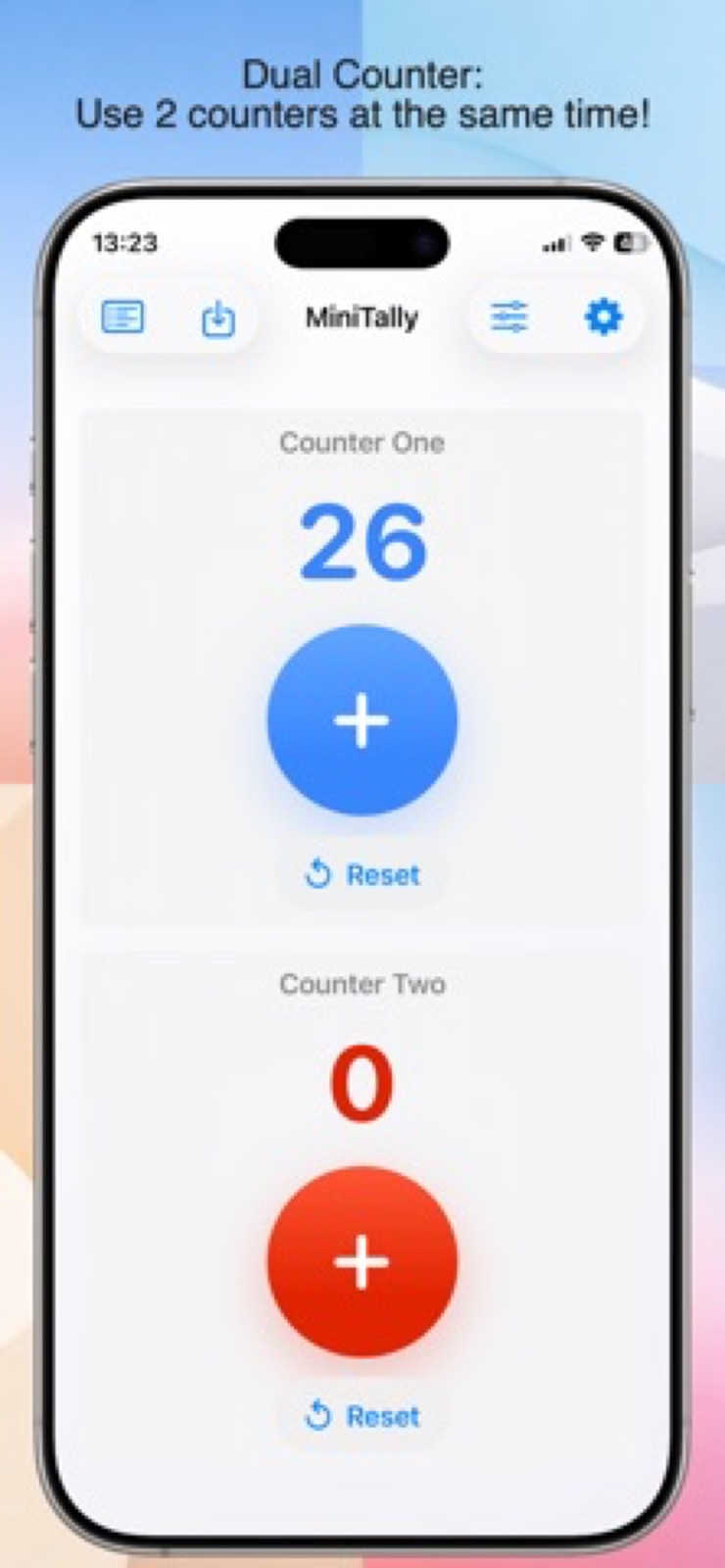
Choose Single Counter, Dual Button, Dual Counter or Reverse Counter modes.
 iPhone & iPad
UTILITIES
Count anything. Clear numbers, big buttons and just the right amount of simplicity.
Download on theApp StoreExplore the help manual →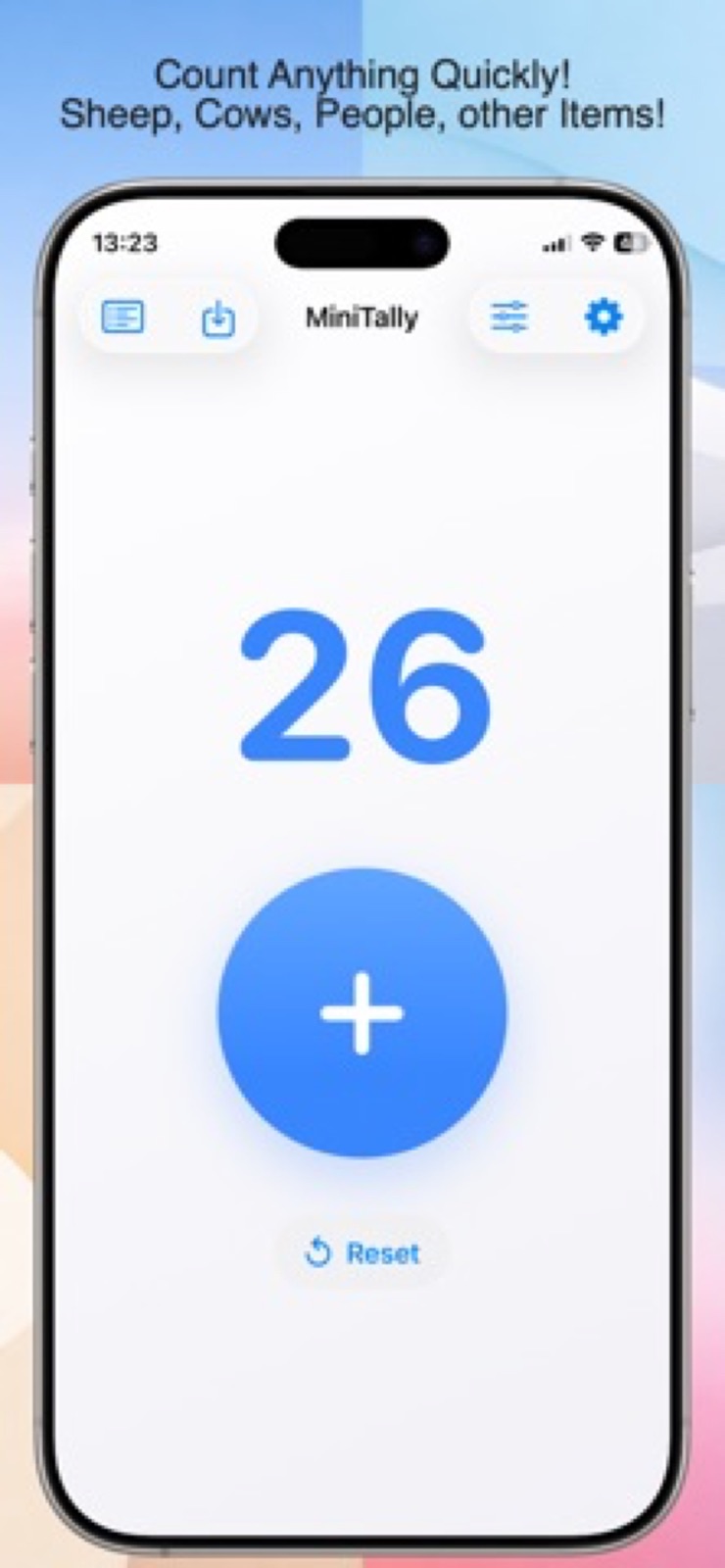
TAKE A CLOSER LOOK
THOUGHTFUL BY DESIGN
Reps, rows, laps or little victories. MiniTally puts a clear, comfortable counter in your hand, with flexible layouts and saved totals.
Choose Single Counter, Dual Button, Dual Counter or Reverse Counter modes.
Use centered, bottom-bar, split-screen or floating layouts that adapt to iPhone and iPad.
Name and save counters, review previous totals and keep your settings between launches.
Choose optional haptics, click sounds, vibration and voice announcements, with themes and colors to match.
Yes. Choose Reverse Counter and set a Start Number.
Save the current value with a name and find it later in your saved counters list. Dual Counter values can be saved together.
No. Counters, saved entries, colors and settings stay on your device.
YOUR DATA, YOUR CHOICE
Counters and settings stay on your device. No accounts, personal data collection, analytics or tracking.
Read privacy policy →A HUMAN ON THE OTHER END
Questions, feedback or something that isn’t working? Get in touch.
Open email ↗yetanotherswift.app@gmail.com